
What is CURA ?
Your photos, on any screen, without you
CURA is a photo display app that turns your TVs, tablets, and monitors into beautiful digital frames – showing your photos, Flickr photography, and classic artworks automatically.
Unlike casting or screen mirroring, CURA runs unattended. Set it up once, and your displays show photos forever – no phone needed nearby.
What Makes CURA Different
1. Runs Without You
Traditional photo display requires:
- Casting from your phone (phone must stay nearby)
- USB drives (manual updates)
- Cloud-only frames (expensive, limited)
CURA is different. Install once, and your display runs independently. Turn on your TV, CURA launches automatically, and your photos appear.
2. Works on Any Screen
No proprietary hardware. CURA runs on:
- Roku TV and streaming sticks
- Fire TV and Fire Stick
- Apple TV
- Android TV / Google TV
- Samsung Smart TVs (Beta) – native Tizen app on 2022+ models, no streaming stick needed
- Tablets (Fire, iPad, Android)
- Web browsers
Plus up to 4 phones per account, free on every plan – phones don’t count against your display limit. Use them to sync photos, control CURA from anywhere, or as mini displays.
Use the screens you already own – from a $100 tablet to an 85″ TV.
3. Multi-Screen Coordination with Room Sync Mode
CURA manages multiple displays as one system. A “room” in CURA is a logical grouping of displays – not just one physical space. Group displays however makes sense: open-plan living areas, lobbies across multiple sites, or individual meeting rooms kept independent.
- Ordered playback – Tell a story across every display in the room (chronological, narrative, or manual)
- Random playback – Classic shuffle across all displays in the room
- Auto-distribution – Different image on each display, no duplicates
- Smart orientation – Portrait photos go to portrait displays automatically
- Coordinated updates – All screens in a room refresh together
- Per-room control – Different content in different spaces, or the same content across multiple locations
4. Beautiful Content, Instantly
Don’t have thousands of photos ready? CURA includes:
- Flickr Explore – Museum-quality photography, updated daily
- CURA Gallery – 500+ classic artworks (Renoir, Zorn, Max Ernst, and more)
Both are free at every tier. Your display looks amazing from day one.
How CURA Works
Step 1: Install CURA
Download CURA on your TV (Roku, Fire TV, Apple TV, Android TV) or tablet.
Step 2: Add Your Content
Choose your sources:
- Your photos – Upload from any device, sync from phone albums
- Your Flickr – Connect your account for photostream, albums, favorites
- Flickr Explore – Curated photography from millions of photographers
- CURA Gallery – Classic artworks included free
Step 3: Organize into Collections
Group photos by:
- Location (living room vs bedroom)
- Theme (family, travel, art)
- Audience (family-safe vs all)
- Time (morning vs evening content)
Step 4: Assign to Displays
Each display (or room) can show different collections. CURA handles the rest – rotating photos, matching orientation, avoiding duplicates.
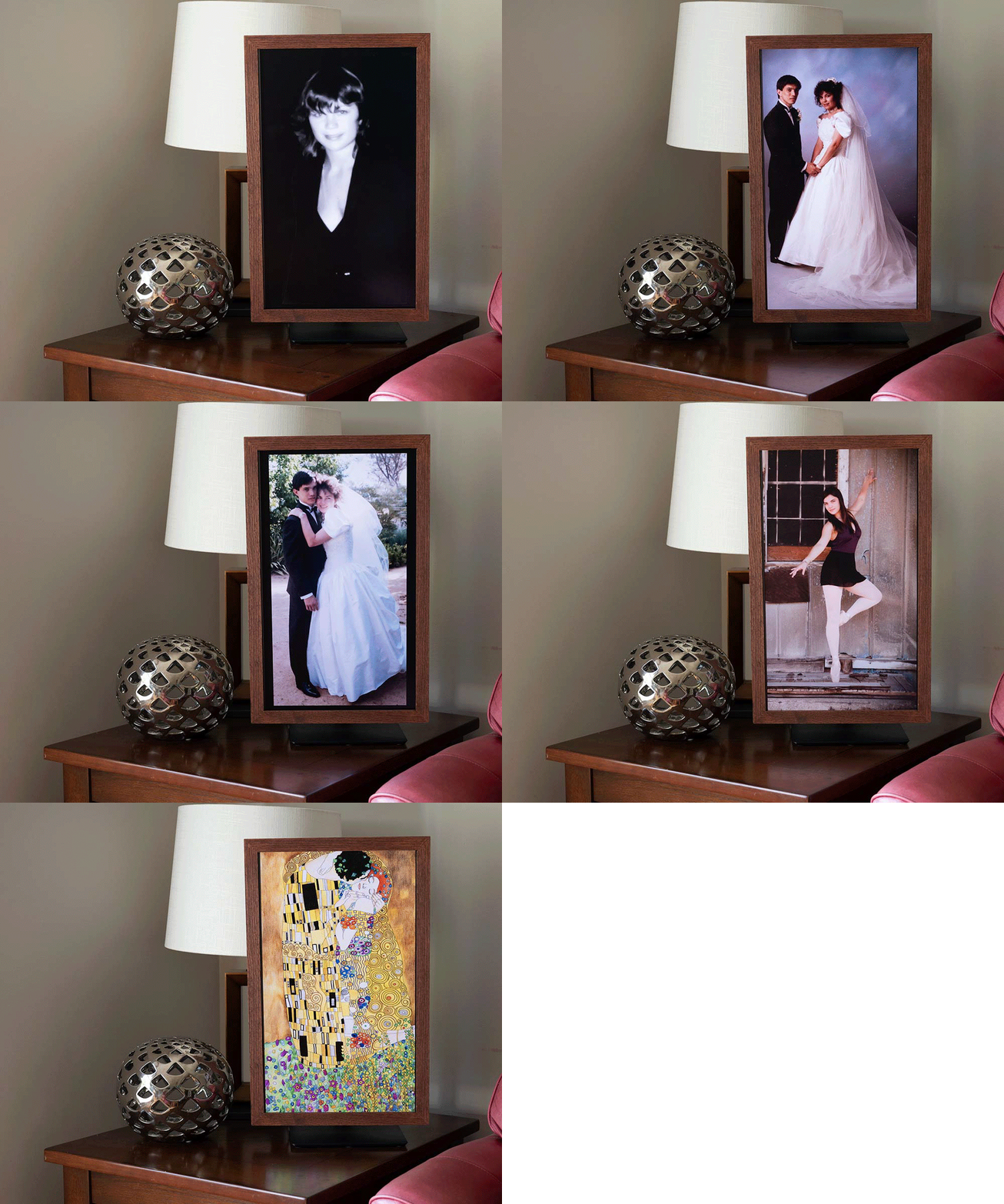
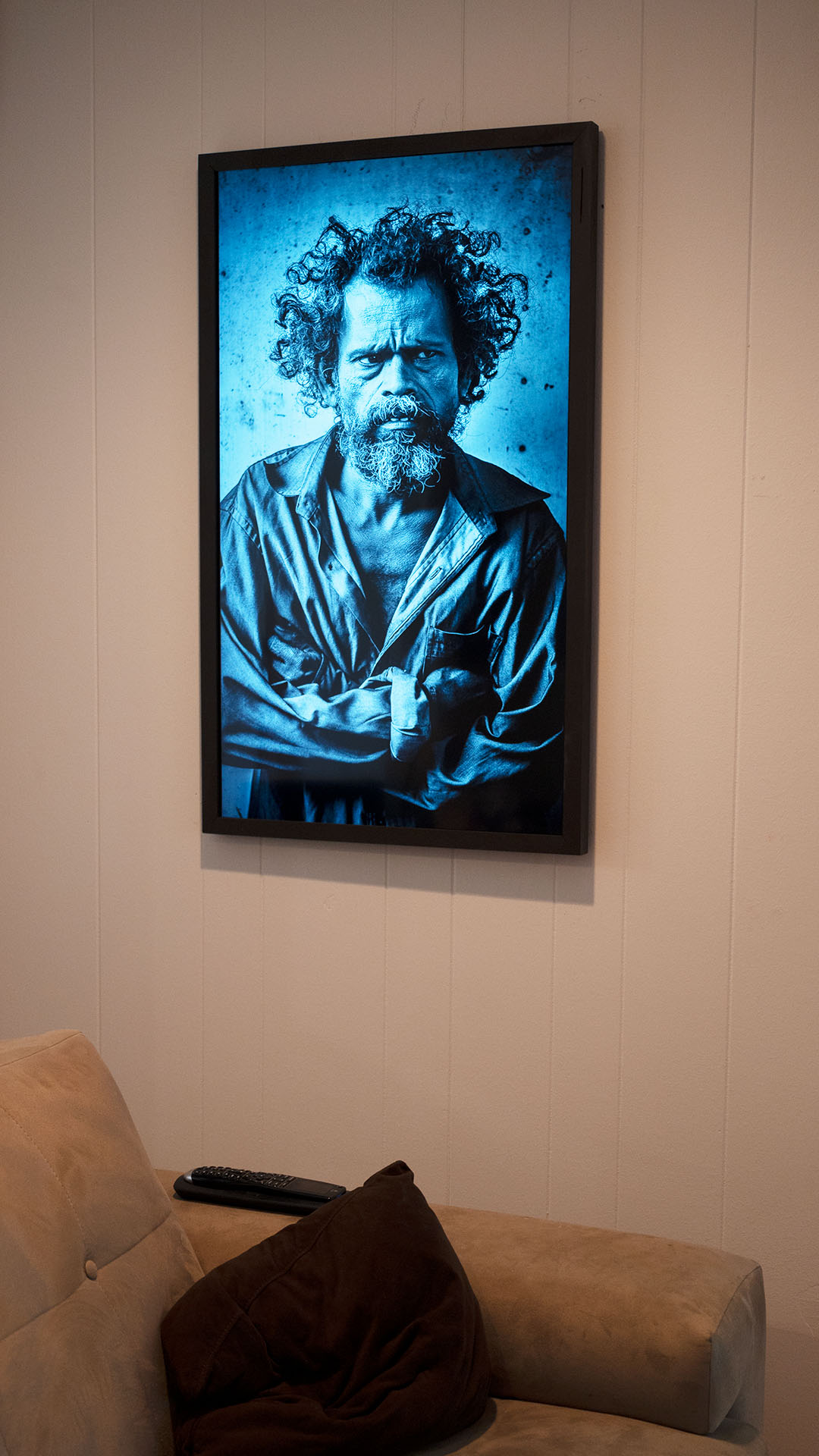
SR650 Series 24” Monitor at 90° with wood frame


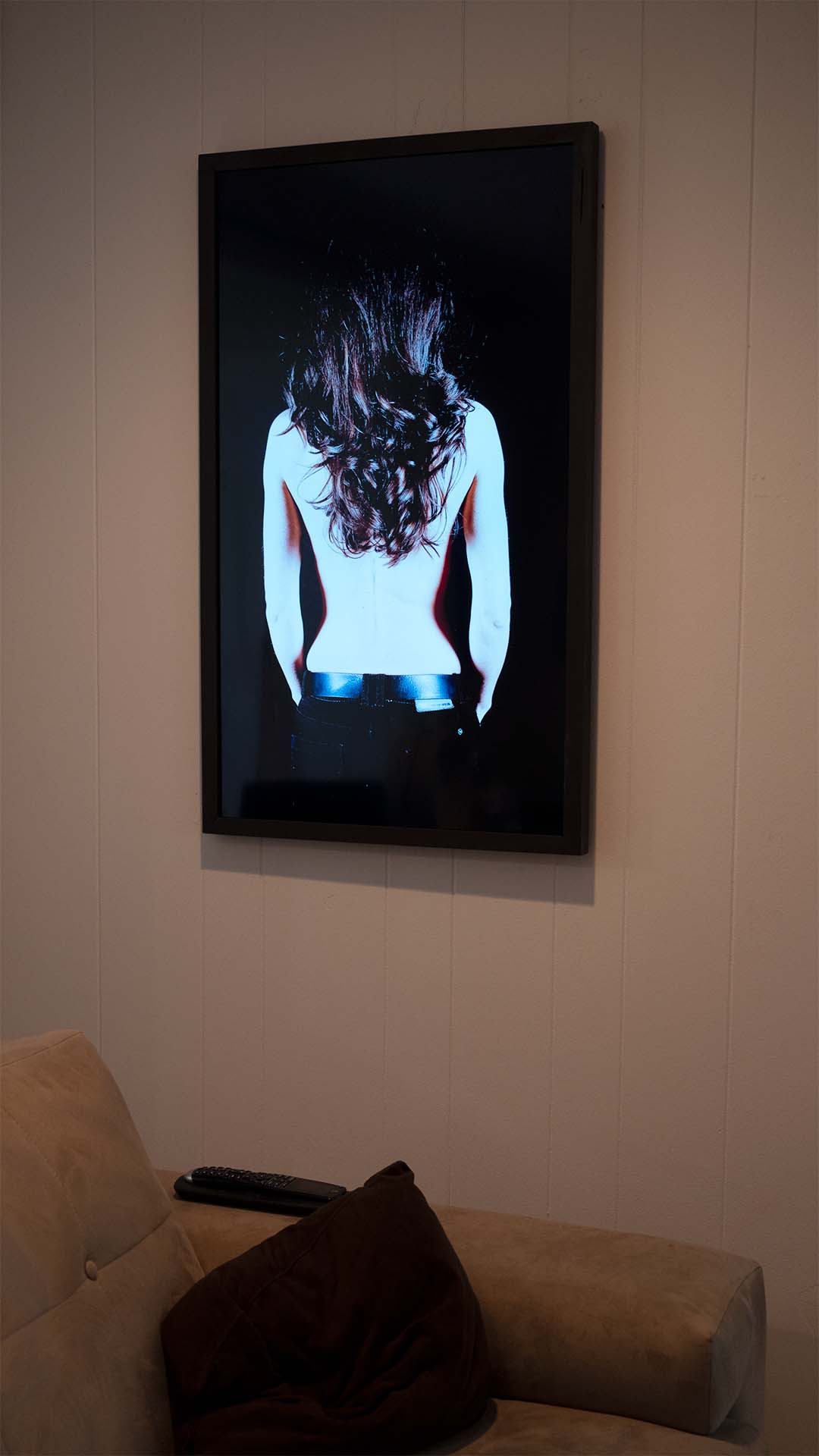
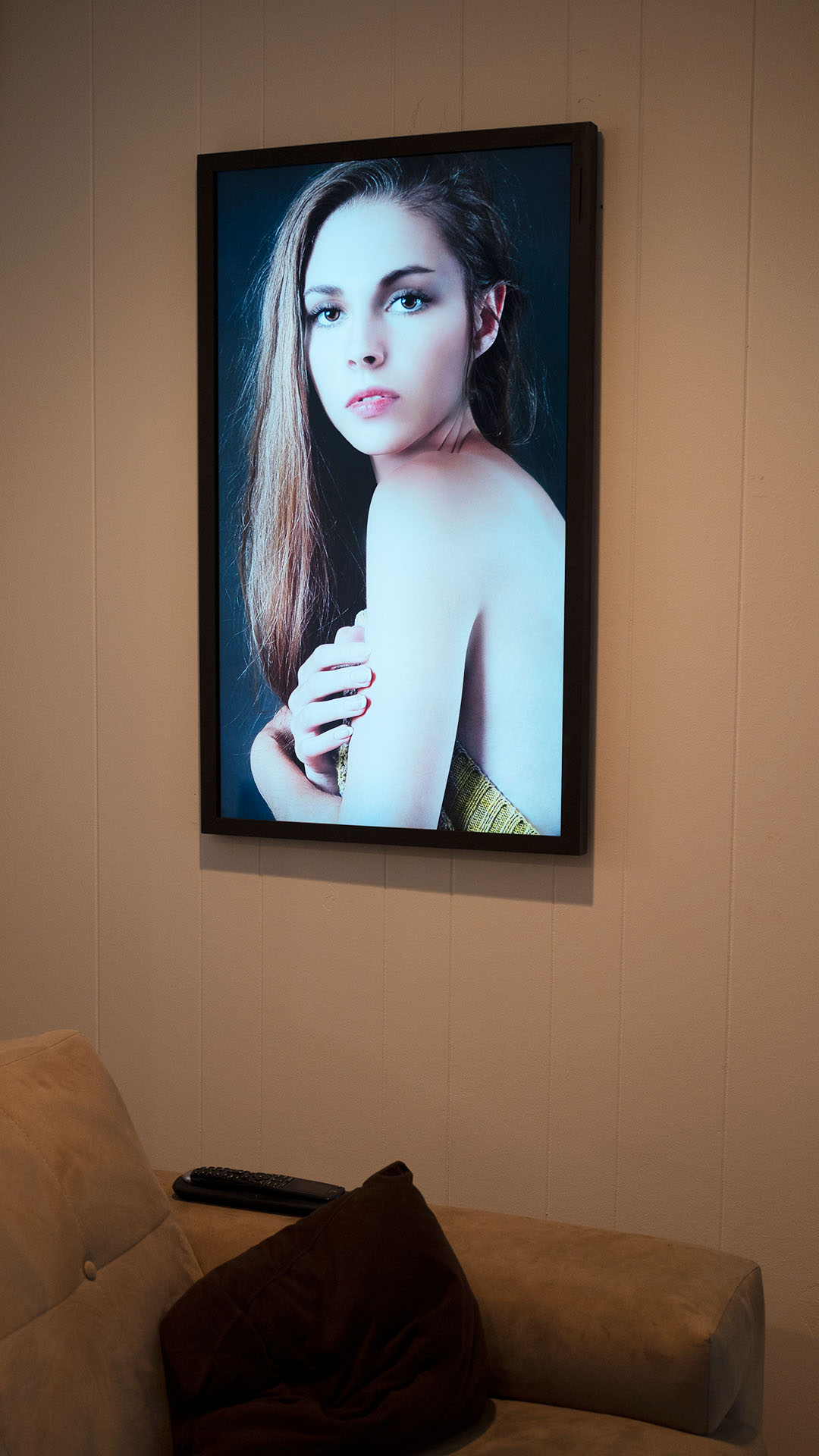
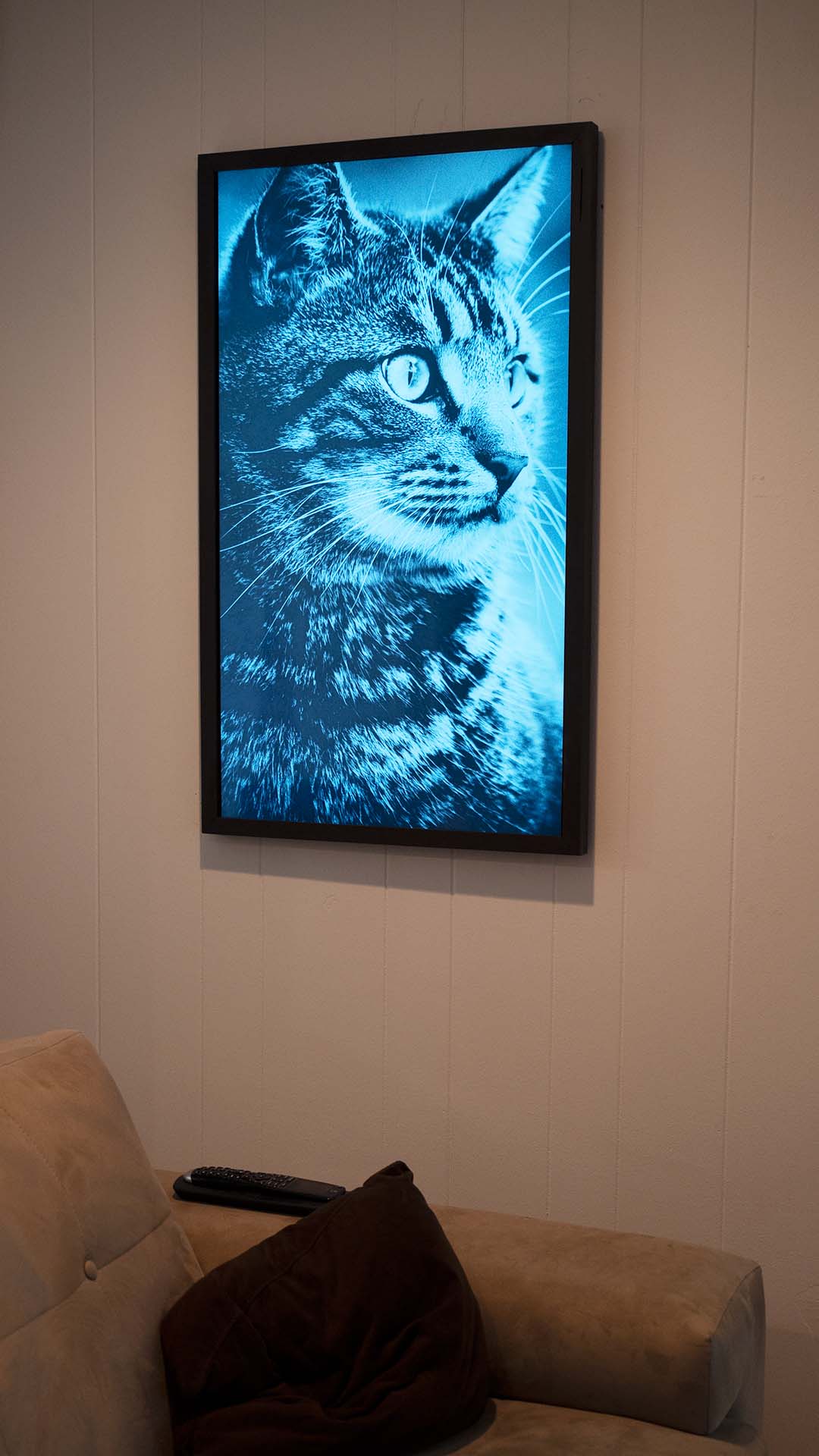
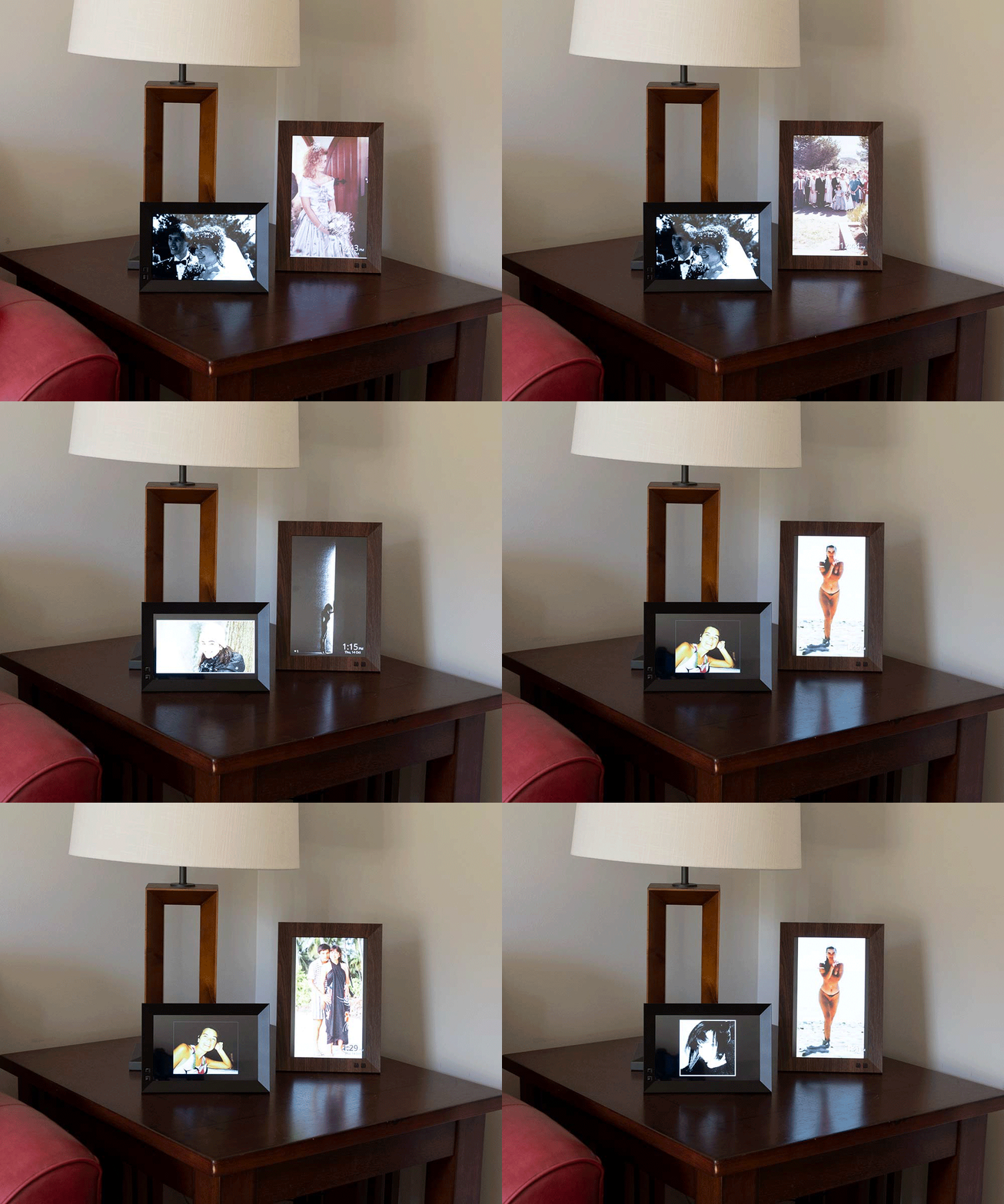
Nix Play Smart Displays
Content Sources
Key Features
For Everyone
- Fave-From-Remote – Favorite Flickr photos from your couch using TV remote
- Scheduling – Different content at different times
- Safety filters – Family-safe content when kids are home
- QR attribution – Scan to visit Flickr photographer’s page
For Homes
- Multi-room management – Different content per room
- Family albums – Sync shared iCloud albums
- SmartThings automation (Beta) – Arrive home → displays light up. Leave home → displays turn off. Movie Night scene dims lights + switches CURA to cinema mode.
- Voice control – “Hey Google, open CURA”, “Alexa, play my Holiday collection on CURA” (via SmartThings), “Hey Siri, Show on CURA”, Samsung Bixby
- Auto-launch – Starts automatically on Samsung Smart TVs (Beta), Fire TV, and Android TV
For Photographers & Studios
- Direct send – Send any photo to any display instantly
- Per-client collections – Load client photos before reveals
- Portrait displays – Full support for vertical orientations
- Proven to increase print sales – See what you’re buying, in size
For Businesses
- Multi-location – Manage displays across sites
- Scheduling – Different content for different times
- Remote updates – No on-site management needed
- 99% reliability – Proven in 2+ year deployments
Who Uses CURA
Families
“I was not a believer in digital frames… but having them in my home, I can’t believe the quality. They’ve already brought so much joy to our family.”
— Natalie, Professional Photographer
Flickr Enthusiasts
“Finally, a way to see my Flickr photos on my TV. The Fave-From-Remote feature is genius.”
Photographers
“When clients walked in, their jaws dropped. They were moved to a new emotional level… Double the print sales.”
— Natalie, Portrait Photographer
Businesses
“The CURA displays in our clubhouse have been a great way to showcase our members and events.”
— Tennis Club of Rochester (5 screens, 2+ years)
Get Started in Minutes
- Download CURA on your TV or tablet
- Add content – Flickr, uploads, or just turn on Explore
- Enjoy – Your photos are now on display
Start Your 30-Day Free Trial →
No credit card required.
memories on display®