
memories on display™- Lets try cura
Cura ™ features and Abilities
What Makes CURA Different
- Any screen you own – Roku, Fire TV, Apple TV, Android TV, Samsung Smart TVs (Beta), tablets (8″ to 85″+)
- Runs unattended – No casting required, no phone needed nearby
- Full Flickr integration – The only TV app with complete Flickr support
- Free curated content – Flickr Explore + CURA Gallery (500+ artworks)
- Context-aware – Right photos, right time, right eyes
Content Sources
Flickr Integration (Full)
CURA is the only TV app with complete Flickr integration:
- Your Photostream – Your Flickr photos on your TV
- Your Albums – Sync specific albums to specific rooms
- Your Favorites – Photos you’ve favorited on Flickr
- Following Feed – Photos from photographers you follow, as they post
- Flickr Explore – Museum-quality photography, curated daily (FREE)
- Flickr Groups (HOME+) – Community photography on your walls
Unique: Fave-From-Remote – See a stunning photo on your TV? Press one button to favorite it. If connected to Flickr, it syncs to your Flickr account. Browse and curate from your couch.
QR Code Attribution – Display photographer credits with a QR code that links to their Flickr page. Help guests discover photographers they love.
CURA Gallery
500+ classic artworks included free at every tier:
- Renoir, Zorn, Max Ernst, Franz Marc, and more
- Gallery walls for everyone – no subscription needed
- Mix with your photos or display alone
Phone Album Sync
Up to 4 phones per account, free on every plan including FREE — phones don’t count against your display limit.
- iPhone: Sync directly from iCloud, including shared albums
- Android/Fire: Sync local gallery albums automatically
- Use a phone as a mini display – kitchen counter, nightstand, anywhere
- Control your CURA displays from anywhere – at any location, from any phone on your account
Direct Upload
Upload from any device:
- Drag and drop via web browser
- Upload from CURA mobile app
- Any image format supported
Video Support
CURA supports video playback on all native apps:
- Fire TV, Android TV, Apple TV, Roku, tablets
- Flickr videos sync automatically
- Mute option per display
Note: Video is not supported via Google Photos publishing to Chromecast screensavers.
Universal Display Manager
Already have other photo displays? CURA can control them too.
CURA can push content to a Google Photos album. Devices that sync with Google Photos will display that content automatically.
Devices CURA can control:
- Nixplay frames
- Roku Backdrops
- HiSense CanvasTV
- Lenovo Smart Frame
- Google Nest Hub
- Chromecast Ambient Mode
Publishing Modes:
- Single – One image at a time (for devices with short display limits)
- Batch – 10-50 images at a time
- Full – Entire collection
Portrait Support: CURA can rotate images for vertical displays – even on devices that don’t natively support portrait orientation well.
Display Management
Any Screen, Any Size
- TVs from 32″ to 85″+
- Monitors (including portrait rotation)
- Tablets as digital frames
- Projectors for massive displays
- Multiple aspect ratios: 16:9, 21:9, 4:3, 5:4, 1:1
Display Duration Control
Unlike screensavers limited to 10 minutes, CURA lets you set display duration from:
- 15 seconds (slideshow)
- 5 minutes, 30 minutes, 2 hours
- 1 day, 1 week, 1 month
- Up to 1 year (treat photos as art pieces)
Brightness Control
- Set per-display brightness levels
- Adjust via remote control
- Schedule brightness changes (brighter during day, dimmer at night)
- Works with your TV’s ambient light features
Image Presentation
- Auto Center Crop – Full-screen without black bars
- Fit Center – Preserve full image with letterboxing
- Per-image override – Choose mode for individual images
- Convert to B&W – Artistic black and white option
Rooms & Room Sync Mode
In CURA, a “room” is a logical grouping of displays – not just one physical space. Group displays however makes sense for you: open-plan living areas, lobbies across multiple sites, or individual meeting rooms kept independent.
Group Displays into Rooms
- Manage multiple displays as a group
- Quick actions apply to all displays in a room
- Different content for different spaces
- Rooms can span locations (e.g. every lobby display across 4 retail stores in one room)
Room Sync Mode (NEW)
Displays in the same room can now move together:
- Ordered playback – Tell a story across displays. Photos cycle in the sequence you set (chronological, narrative, or manual).
- Random playback – Classic shuffle across all displays in the room.
- Landscape + portrait mixed – CURA auto-handles orientation so each display shows the right-shaped image.
Why it matters:
- Home – all TVs in the open-plan living area sync as one gallery wall
- Retail chain – every entrance display across multiple locations syncs together, while product areas run their own synced sequence
- Office or gallery – lobby displays sync while meeting room displays stay independent
Available on all plans – value scales naturally with the number of displays.
Auto-Distribution (unsynced rooms)
Assign a collection to a room and CURA automatically:
- Distributes different images across displays (no duplicates)
- Matches orientation (landscape to landscape, portrait to portrait)
- Respects quality, safety, and audience filters
Room-Level Controls
- Assign collections to entire room
- Set safety/audience filters per room
- Pause, resume, or reset all displays at once
- Schedule content changes at room level
Collection Ordering – Tell Your Story
Automatic Ordering
Sort your collection by:
- Date taken – Chronological or most recent first
- Date uploaded – Newest additions first or last
Manual Ordering (Drag & Drop)
Want complete control? Drag and drop to arrange photos in exactly the order you want.
Tell the story of your vacation – Start with arriving at the airport, end with coming home. Or highlight your favorites first. Your collection, your narrative.
Scheduling System
Event Types
- Change Collection – Switch to different content
- Change Brightness – Adjust for time of day
- Show Content – Turn display on
- Go Dark – Blank screen (power control via smart plugs)
- One-Time Events – Special occasions
- Recurring Events – Daily, weekly patterns
Real-World Examples
- Morning routine: “Good Morning” collection at 7am
- Evening wind-down: Calmer images at 8pm
- Weekday vs weekend: Different content for different days
- Special events: Birthday photos for a party
Safety & Audience Filtering
Safety Ratings
Tag media items with appropriate levels (aligned with Flickr):
- Safe – Suitable for a global, public audience
- Moderate – May not be suitable for all audiences
- Restricted – Not suitable for children
Audience Tags
Control who sees what:
- Everyone
- Friends
- Family
- Partner
- Owner Only
Automatic Filtering
- Set room/display filter levels
- Content automatically excluded if above threshold
- One-click level changes
- Schedule filter changes (kids home vs adults only)
Real-world example: Intimate portraits displayed at 10pm when kids are asleep, automatically hidden during family hours.
How to Video : How to use Cura™ Content Safety Filters on you CURA Displays
Smart Home Integration
SmartThings – Truly Smart Automation (Beta)
This is CURA’s first real step into home automation. CURA and SmartThings now work both ways:
CURA drives your TVs – automatically:
- Power Samsung TVs and Smart Monitors on, off, or into standby – not just “play when already on”
- CURA launches itself when the TV powers on. No remote, no menus.
- Schedule it: morning routine powers the living room TV on to your gallery; bedtime puts every display to sleep.
Your home drives CURA – automatically:
- Arrive home – every display in the living room lights up with your favourites
- Leave home – all CURA displays turn off. No checklist, no forgotten TVs.
- “Movie Night” scene dims lights, powers on the TV, and switches CURA to cinema mode
- Works per-display or per-room
Works across platforms – these controls reach any CURA display on any supported device, not just Samsung TVs.
Voice Control
- Amazon Alexa (via SmartThings): Ask Alexa to control CURA on any display
- Google Assistant: “Hey Google, launch CURA”
- Google Home (via SmartThings): Routines that coordinate CURA with lights, thermostat, music
- Samsung Bixby (via SmartThings): On Samsung TVs
- Siri: Works with Shortcuts and Apple Home
- Example: “Hey Siri, Show on CURA” → “My Holiday Collection in the Family Room”
Automation
- SmartThings Routines (Beta): Presence-based and scene-based control across all CURA displays
- Google Home Routines: Include CURA in morning/evening routines
- Apple Home: Trigger CURA via HomeKit automations
What’s coming: motion sensors, presence detection, time-of-day moods, weather-aware content. Beta testers help shape what ships next – join the beta.
Auto-Launch
- Samsung Smart TVs (Beta): CURA launches automatically on power-on (via SmartThings)
- Fire TV: CURA launches automatically on power-on
- Android TV: CURA launches automatically on power-on
- Smart Plugs: $10 plugs + scheduling for full automation
Interactive Control
Remote Features
From your TV remote or CURA app:
- Like – Mark photos you love
- Hide – That photo you hate? One button and it’s gone from rotation
- Adjust Brightness – Quick brightness control
- Next/Previous – Navigate through collection
- Fave-From-Remote – Favorite to Flickr (if connected)
Direct Send
Instantly send any image or video from your phone or computer to any display:
- Instant display – Photo appears on screen immediately
- Send to multiple displays – One tap to send to several screens at once
- Saved to CURA – Unlike casting, the image stays even if your phone disconnects
- Add to collection – Optionally save to a collection in the same action
- Works anywhere – Send from anywhere, not just your home network
Better than casting: With casting, your phone must stay connected. With Direct Send, the image uploads to CURA and displays – walk away, and it stays on screen.
Samsung Smart TV App (Beta)
CURA Display now runs natively on Samsung Smart TVs – no streaming stick, no extra hardware, no extra cost.
- One-touch install from Samsung’s app store – if you own a Samsung Smart TV, you already have everything you need
- Made for Samsung’s displays – from budget models to The Frame and premium QLEDs, CURA looks stunning on all of them
- Works vertically too – mount your TV in portrait orientation and CURA automatically adapts for gallery-style photo displays
- Full CURA experience – the same collections, schedules, rooms, sync modes, and remote controls you get on every other platform
- Auto-launches on power-on via SmartThings integration
Available now to beta testers. Requires Tizen 6.5 (2022 models and newer).
Supported Platforms
Works on streaming sticks (from $15), built-in smart TV platforms, and tablets.
| Platform | Status |
|---|---|
| Roku (sticks, boxes, built-in TVs) | Available |
| Amazon Fire TV (sticks, cube, built-in TVs) | Available |
| Apple TV | Available |
| Android TV / Google TV (sticks, boxes, built-in TVs) | Available |
| Samsung Tizen (2022+ models, Tizen 6.5+) |
Beta |
| Fire Tablets | Available |
| iPad | Available |
| Android Tablets | Available |
| Web Browser | Available |
| Samsung Tizen | Coming Soon |
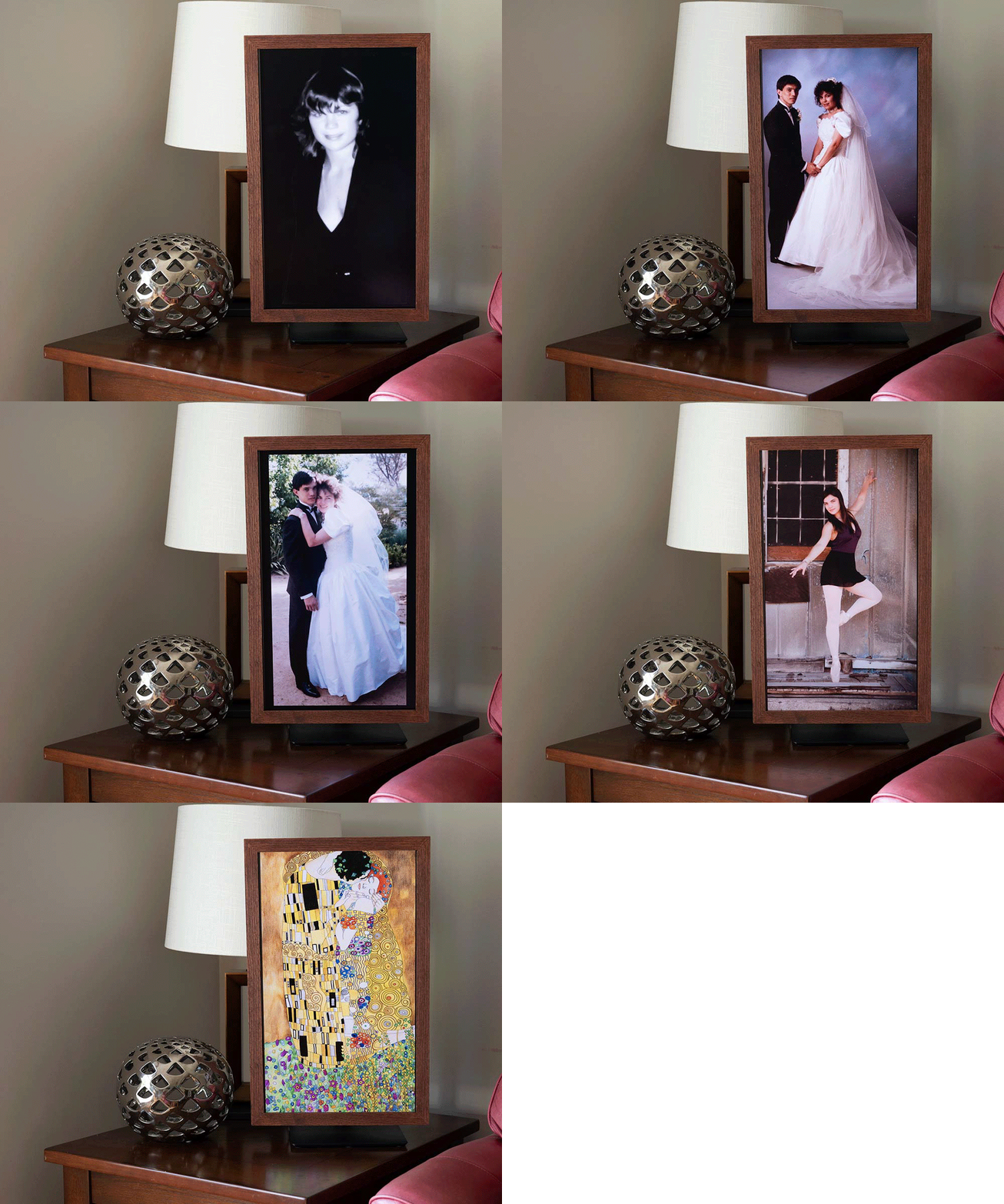
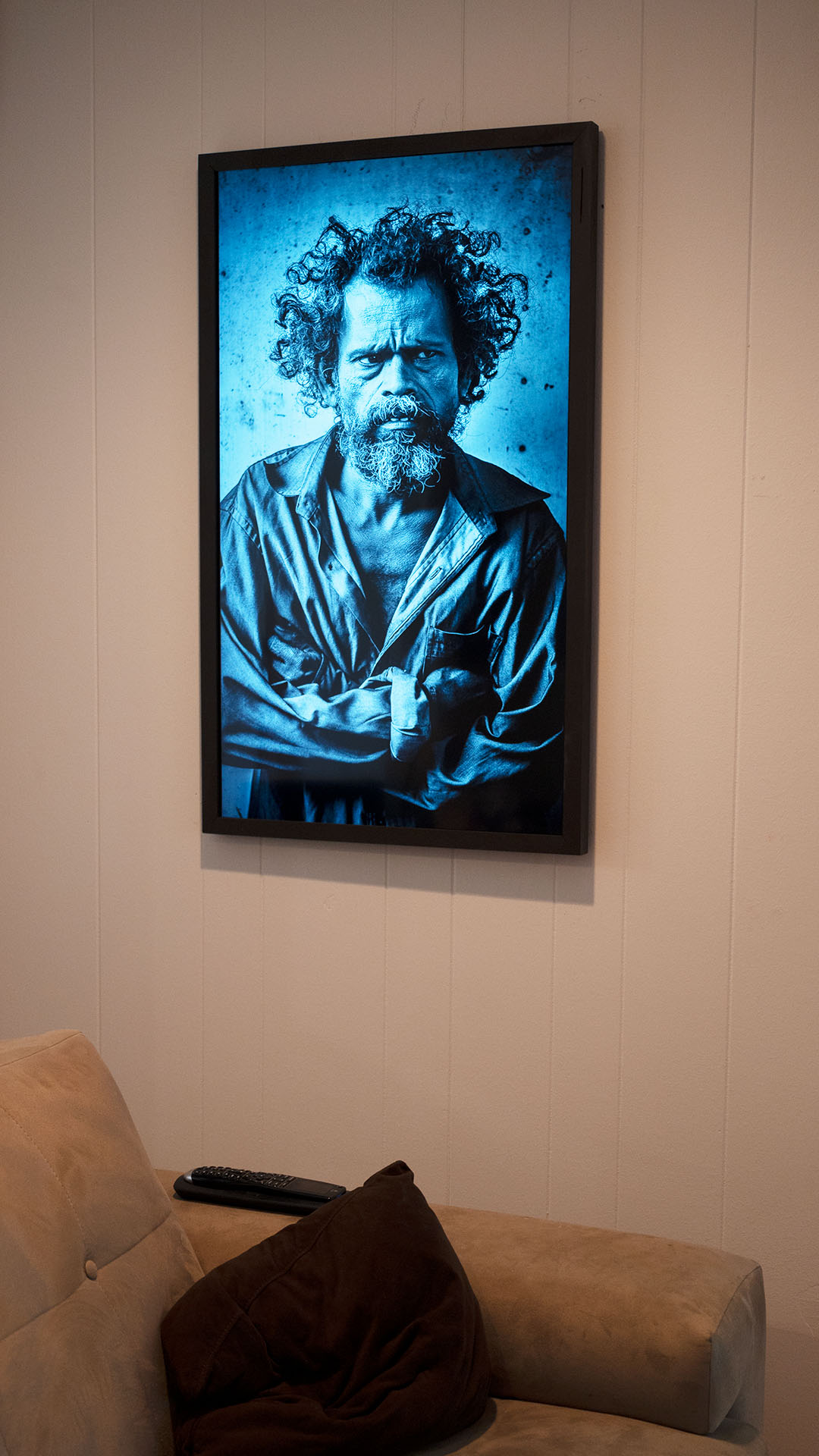
SR650 Series 24” Monitor at 90° with wood frame


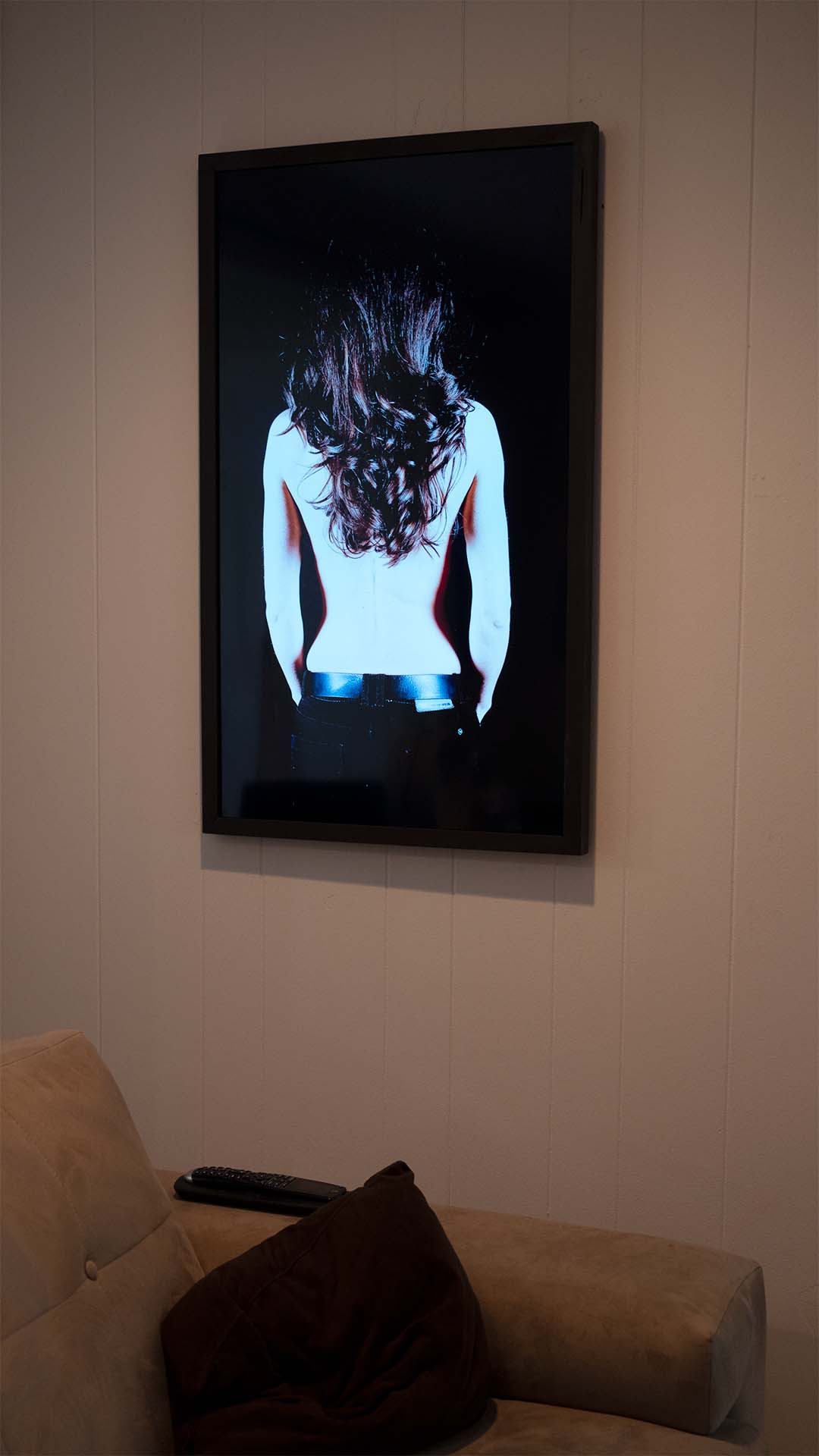
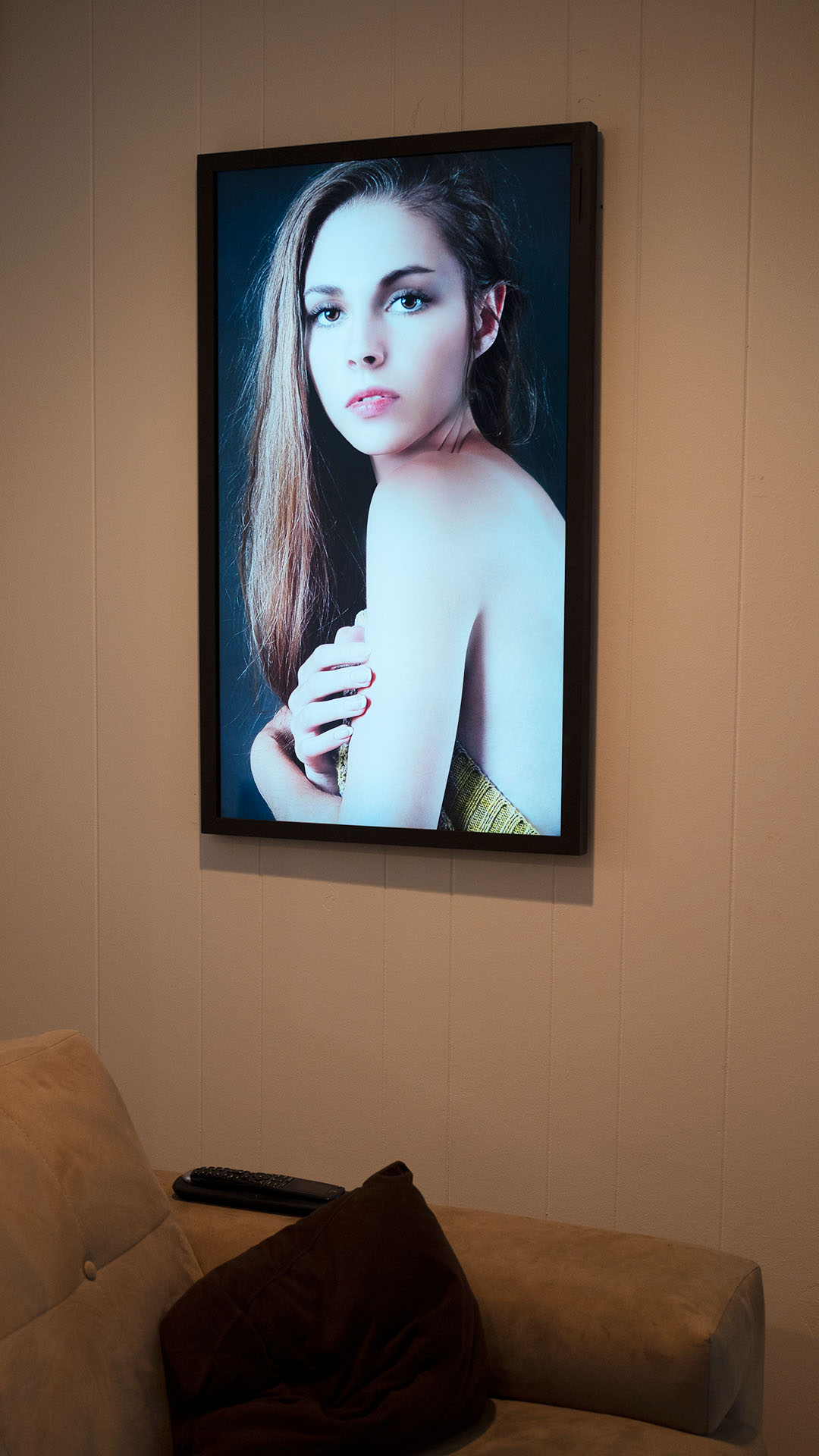
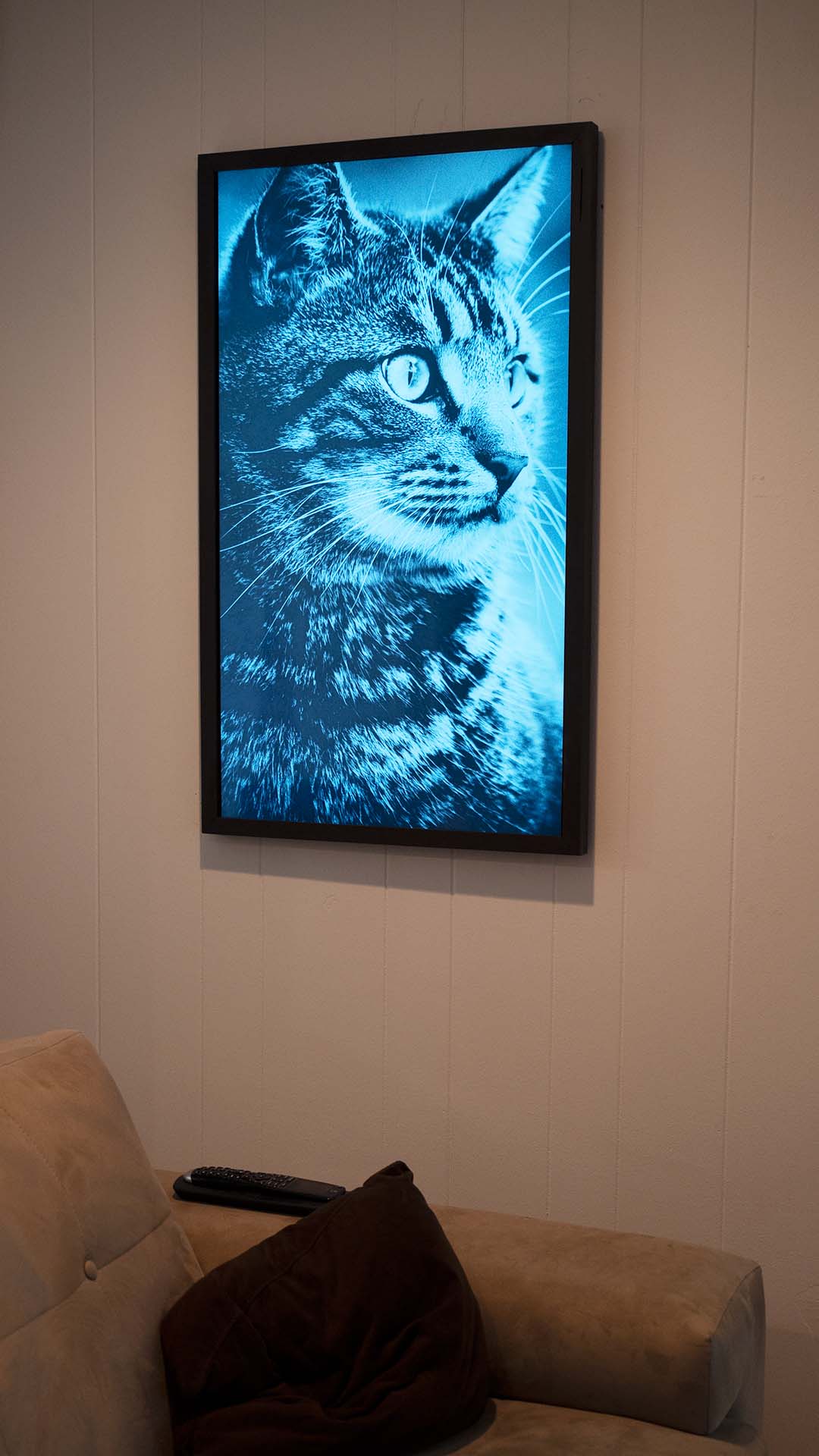
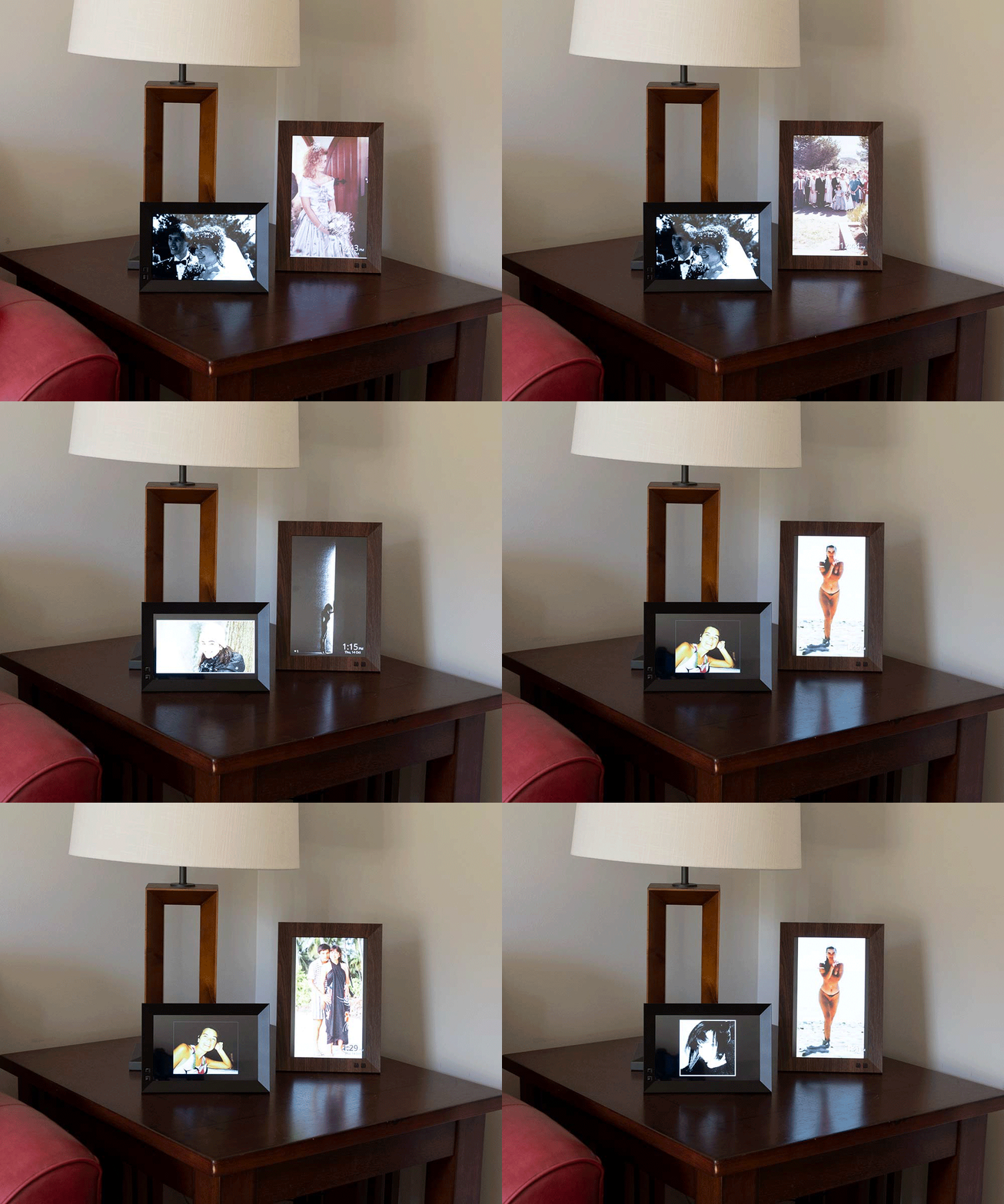
Nix Play Smart Displays
Note: 1. We use the latest established secure account practices to secure your data, all data and images use encrypted SSL for data transmission
Note: 2. We use and have been verified by Google and other appropriate sources, to secure and manage your data. Our privacy and use policies are aligned with the use and terms of the image/data provider.